
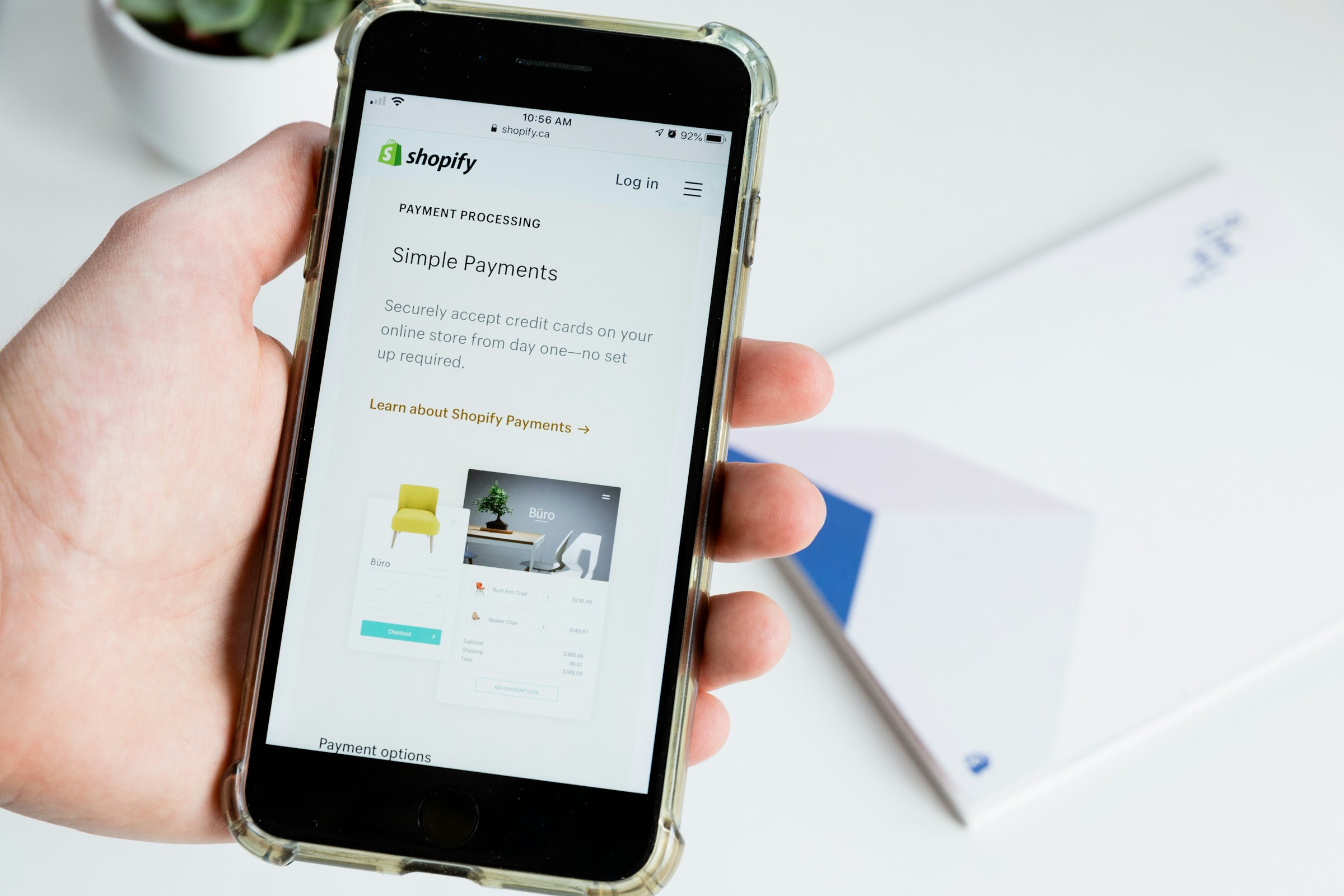
Third-party apps power much of what modern online stores can do. Platforms like Shopify and WooCommerce offer large app ecosystems that help merchants add features fast, with little technical effort.
These apps handle payments, marketing, shipping, and customer insights. For many store owners, they are essential for growth and daily operations.
But convenience comes with a cost. Every app adds another access point to your store and customer data. Without proper checks, the same tools that help you scale can quietly increase security and privacy risks.
Introduction: Why Third-Party Apps Are a Hidden Risk
What Are Third-Party Apps in Ecommerce?
Third-party apps in ecommerce are external software tools built by developers outside the core platform that extend what a store can do without custom coding.
In platforms like Shopify and WooCommerce, these apps play a critical role by filling feature gaps and automating tasks that would otherwise take significant time or technical skill.
Merchants commonly use them for payments, email and ad marketing, abandoned cart recovery, shipping and fulfillment, inventory syncing, customer support, and performance analytics.
To work properly, these apps must integrate directly with the store’s systems. This happens through permissions that allow access to orders, customer details, product data, and sometimes payment or admin-level functions.
While this access enables powerful automation and insights, it also means apps can view, modify, or store sensitive information. The level of access varies, but many merchants approve permissions quickly to get the app running.
Over time, this creates a complex web of data sharing that is easy to forget and hard to track, making third-party apps both a major growth tool and a potential security weak point.
How Third-Party Apps Can Create Security Risks
Excessive Permissions
Many third-party apps request broad permissions to function quickly, often asking for access beyond what is strictly needed. This can include customer names, email addresses, order histories, and even admin-level store controls.
Merchants frequently approve these requests without reviewing them in detail, especially when the app promises immediate benefits. The risk increases when apps retain access long after they are no longer actively used.
Even if an app is forgotten or replaced, its permissions may remain active, leaving customer and store data exposed to unnecessary risk over time.
Vulnerable or Poorly Maintained Code
Not all apps are built or maintained to the same standard. Some are updated regularly, while others are left behind as developers move on or abandon the project entirely.
Outdated plugins and apps may rely on old code that no longer meets modern security standards. These weaknesses can be exploited by attackers to gain access to a store, inject malicious code, or steal data.
The danger is often invisible until something goes wrong, making neglected updates a common entry point for breaches.
Data Privacy and Compliance Risks
Third-party apps often collect and store sensitive customer data, which creates privacy concerns if that data is mishandled or poorly protected.
A single insecure app can expose personal information, leading to loss of trust and potential legal consequences. This becomes more serious when stores must comply with regulations like GDPR or PCI DSS.
Merchants remain responsible for compliance, even when data is processed by external apps. If an app fails to meet regulatory standards, the store owner may still face fines or penalties.
Supply Chain Attacks
Even well-reviewed and widely trusted apps can become security threats if their developers are compromised.
In a supply chain attack, attackers target the app itself rather than the store, using updates or integrations to spread malicious code across many sites at once.
These incidents are especially dangerous because merchants trust the app and may not detect the problem immediately.
Real-world ecommerce breaches have shown that a single compromised app can affect thousands of stores, turning a trusted tool into a large-scale security risk almost overnight.
Shopify vs WooCommerce: App Risk Comparison
Shopify App Ecosystem Risks
The Shopify app ecosystem is built around a centralized app store, where apps go through an approval process before being listed.
This review adds a layer of protection by filtering out low-quality or clearly unsafe apps, which reduces some risk for merchants.
However, approval does not guarantee long-term security. Once installed, apps can still request wide permissions and access sensitive store data.
Shopify’s centralized hosting is a strength because core infrastructure security is managed by the platform, but it also limits visibility and control.
Store owners cannot access server-level settings or directly monitor how apps handle data behind the scenes.
This means merchants must place a high level of trust in both Shopify and the app developer, even when they cannot fully verify what happens after access is granted.
WooCommerce Plugin Risks
With WooCommerce, flexibility is one of its biggest advantages, but it also shifts more security responsibility onto the store owner.
Because WooCommerce is open-source, plugins can be installed from many sources, not just the official marketplace. This freedom allows deep customization but increases the risk of poorly coded or insecure plugins being used.
Security also depends heavily on the hosting provider, since the store owner controls the server environment. Weak hosting security, outdated software, or poor configuration can amplify plugin-related risks.
Unmanaged or rarely updated plugins are especially dangerous, as they can introduce known vulnerabilities that attackers actively scan for, making WooCommerce stores more exposed when maintenance is neglected.
Common Warning Signs of Risky Third-Party Apps
Poor or Fake Reviews
Reviews often provide the first signal of an app’s reliability, but they must be read carefully. Apps with very few reviews or a sudden surge of overly positive feedback may not reflect real user experience.
Generic praise without specific details can be a red flag. Consistent complaints about bugs, data issues, or poor support should not be ignored, even if the overall rating looks acceptable.
Lack of Updates or Developer Transparency
Regular updates show that an app is actively maintained and responsive to platform changes and security needs. Apps that have not been updated for long periods may rely on outdated code that is easier to exploit.
Transparency also matters. Trustworthy developers clearly share who they are, how to contact them, and what changes are made in each update. When this information is missing or unclear, accountability becomes harder to establish.
Vague Privacy Policies
A clear privacy policy explains what data the app collects, how it is used, and whether it is shared with third parties. Vague language or broad statements with little detail should raise concern.
If it is unclear how customer data is stored or protected, the risk of misuse or exposure increases. Merchants remain responsible for customer trust, even when data handling is outsourced to an app.
Requests for Unnecessary Permissions
Apps should only request access that directly supports their core function. When an app asks for permissions that seem unrelated, such as full customer data for a simple design feature, caution is needed.
Many merchants approve these requests quickly to save time, but excessive permissions expand the potential damage if the app is compromised. Reviewing permission requests closely helps limit unnecessary access and reduce overall risk.
Best Practices to Reduce Third-Party App Risks
App Vetting Checklist
Before installing any app, merchants should take time to evaluate who built it and how it is maintained. A strong developer reputation, supported by a clear company profile and verifiable contact details, adds an important layer of trust.
Update frequency is another key signal. Apps that receive regular updates are more likely to address bugs, security flaws, and platform changes.
Clear data usage policies are equally important. Merchants should understand exactly what data the app collects, how long it is stored, and whether it is shared with third parties.
Permission Management
Permissions should always be limited to what an app truly needs to function. Granting least-privilege access reduces the amount of data exposed if the app is compromised.
Over time, permissions can change as apps update or expand features, which is why regular permission audits matter. Reviewing and adjusting access ensures apps do not retain unnecessary control over store operations or customer information.
Ongoing Monitoring
App risk does not end after installation. Merchants should review their installed apps on a regular schedule to confirm they are still needed and actively maintained.
Unused or redundant apps add risk without providing value. Removing them reduces the number of access points into the store and simplifies security oversight.
Backup and Incident Preparedness
Even with strong precautions, incidents can still happen. Reliable store backups ensure that data and operations can be restored quickly if an app causes damage or data loss.
Breach response planning is just as important. Knowing who to contact, how to disable affected apps, and how to notify customers helps limit harm and restore trust when issues arise.
When to Remove or Replace an App
Performance Issues
Apps should improve a store, not slow it down. If pages begin to load more slowly, checkout becomes unstable, or errors appear after an app is installed, the app may be using too many resources or running inefficient code.
Performance issues can hurt user experience and conversion rates. When an app consistently affects speed or reliability, it is often safer to remove it and look for a more efficient alternative.
Security Alerts or Data Misuse
Any security warning should be taken seriously. Alerts from the platform, reports of data leaks, or unexpected behavior such as unknown changes to settings or customer records may indicate misuse or compromise.
Even rumors of poor security practices deserve attention. If an app is linked to data exposure or fails to clearly explain an incident, removing it quickly can limit further risk and protect customer trust.
Better Native or Safer Alternatives
Over time, platforms add native features that reduce the need for external apps. If a built-in tool or a more reputable app can deliver the same function with less access or risk, switching is often the better choice.
Safer alternatives usually offer clearer permissions, stronger support, and better long-term maintenance. Replacing apps as better options become available helps keep the store secure while still supporting growth.
Final Thoughts
Third-party apps can help a store grow faster, but they are never without risk. Each app adds value, yet it also adds responsibility.
Proactive app management protects both revenue and customer trust. Regular reviews, smart permissions, and timely removals reduce exposure before problems appear.
As your store grows, security must grow with it. Treat apps as long-term partners, not set-and-forget tools, and your business will be better prepared for what comes next.

Alex Mercer is a researcher and writer focused on cyber insurance and digital risk for e-commerce businesses. He publishes neutral, educational content designed to help online store owners better understand cyber threats, insurance concepts, and risk considerations.